









-
 Pick up from the Woodmart Store
-
 Courier delivery
-
 DHL Courier delivery
-
 Warranty 1 year
-
 Free 30-Day returns

From the manufacturer

PLAYSYNC: XBOX + PS5 + PC ALL AT ONCE
Multi-system PLAYSYNC puts you in control. Tap to switch between Xbox Series X|S, PlayStation 5 and PC.
-
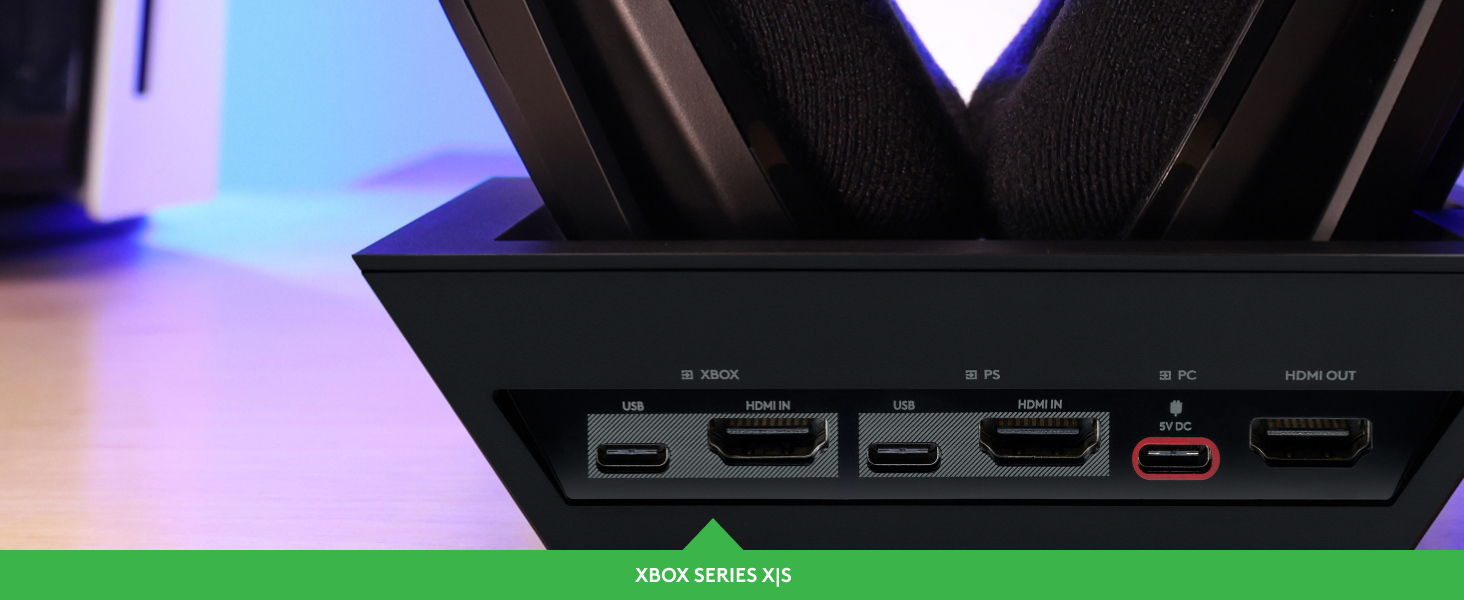
DROP INTO XBOX SERIES X|S
Just tap and connect to Xbox Series X|S via HDMI 2.1 unlocking 24 bit wireless audio, Game/Chat mixing, and Dolby Atmos spatial surround.
-

DROP INTO PLAYSTATION 5
Just tap and connect to your PS5 via HDMI 2.1 unlocking 24 bit wireless audio, Game/Chat mixing, 3D Audio, and more.
-
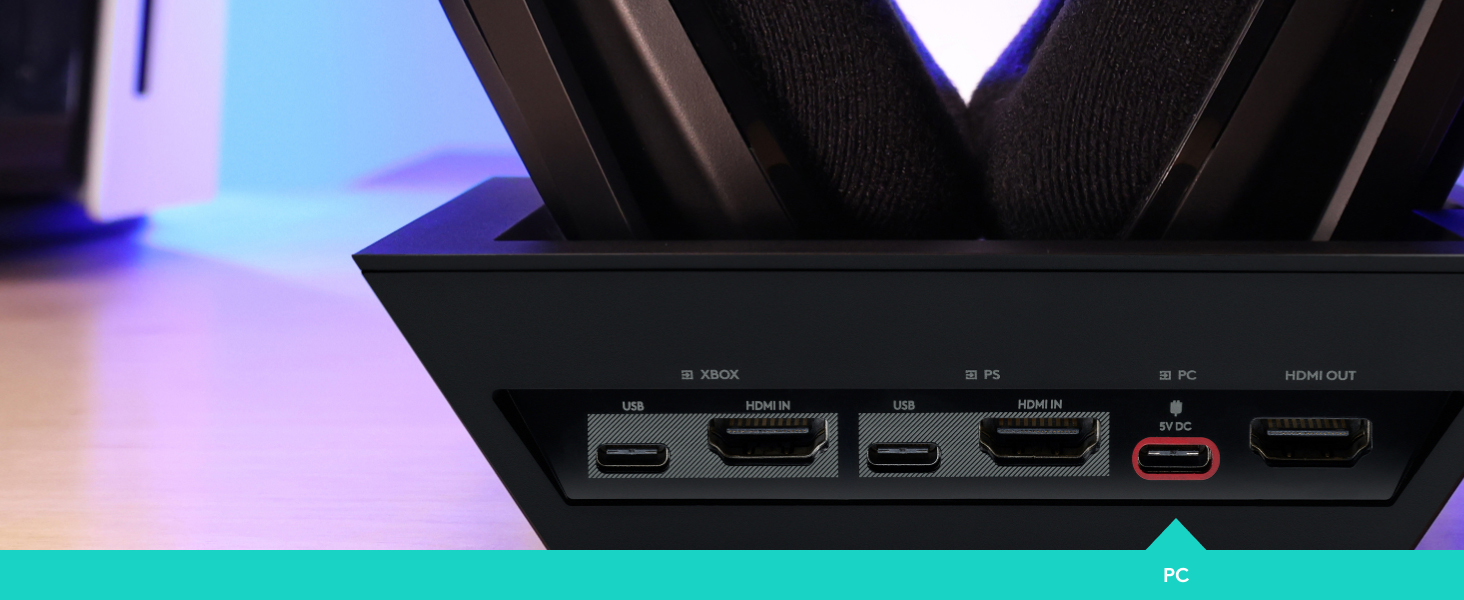
DROP INTO PC
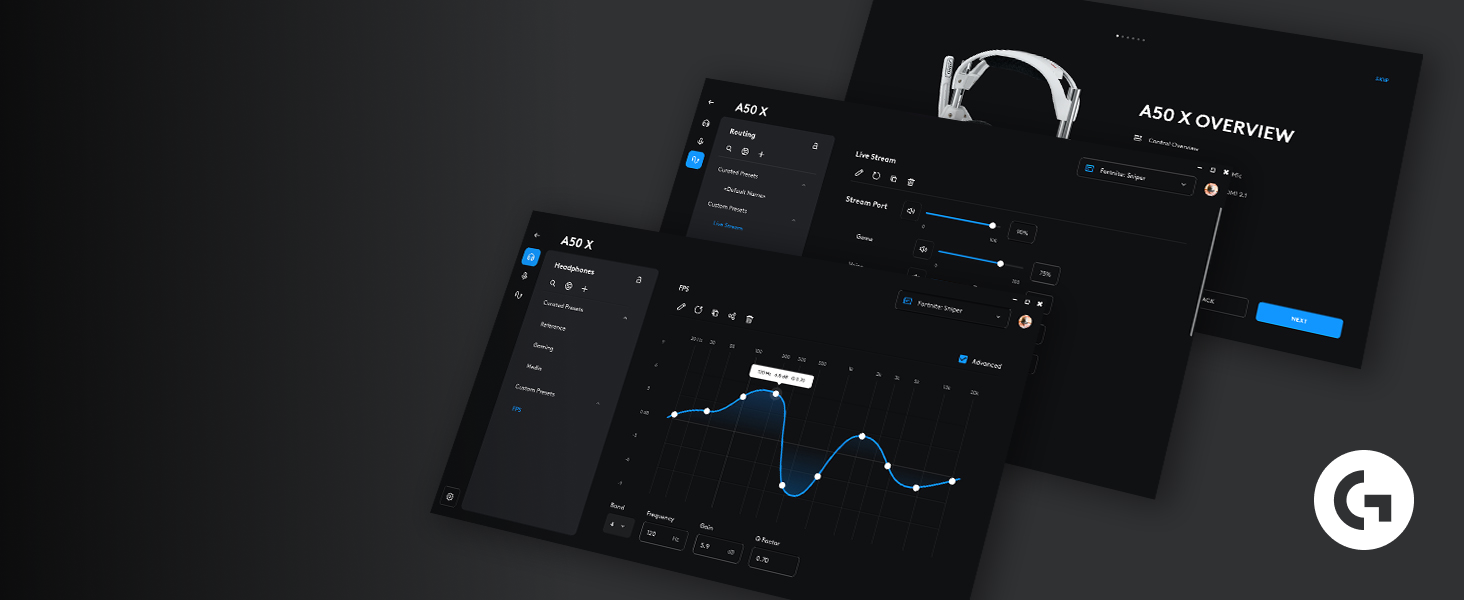
Just tap and connect to PC via USB-C for Ultra HD audio with Dolby Atmos or Windows Sonic, Game/Chat mixing, G HUB customization and more.
-

PRO-G GRAPHENE DRIVERS
PRO-G GRAPHENE audio drivers achieve groundbreaking clarity and response for exact sound separation, location, and timing accuracy.
-

PRO-GRADE LIGHTSPEED WIRELESS
Play free. LIGHTSPEED wireless is a pro-grade solution for quality, reliability, and efficiency.
-

HDMI 2.1 4K 120 Hz
24 bit audio and 4k 120 Hz HDMI 2.1* passthru makes the most of graphics and soundscapes.
*HDMI 2.1 cable not included, sold separately
-

BLUETOOTH DUAL-DEVICE MIXING
Mix Discord chat with game audio. The Base Station features Bluetooth connectivity to your phone (or Switch).
-

GAME/CHAT BALANCING
Balance volume between both Game and Voice audio channels with on-ear controls. Hear your squad clearly, even when the game gets loud.
-

HEART OF THE ULTIMATE SETUP
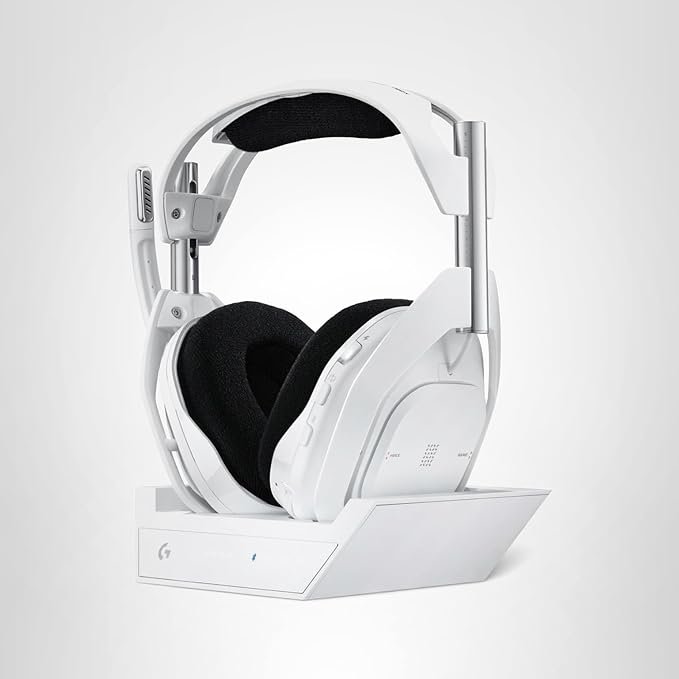
Base Station is fully equipped for the multi-platform player including click-in wireless magnetic charging cradle. A50 X is always ready.

 Overview
| Color |
Black ,White |
|---|---|
| Style |
PLAYSYNC Video & Audio ,PLAYSYNC Audio |
 Processor
| Color |
Black ,White |
|---|---|
| Style |
PLAYSYNC Video & Audio ,PLAYSYNC Audio |
 Display
| Color |
Black ,White |
|---|---|
| Style |
PLAYSYNC Video & Audio ,PLAYSYNC Audio |
 RAM
RAM
| Color |
Black ,White |
|---|---|
| Style |
PLAYSYNC Video & Audio ,PLAYSYNC Audio |
 Storage
| Color |
Black ,White |
|---|---|
| Style |
PLAYSYNC Video & Audio ,PLAYSYNC Audio |
 Video Card
| Color |
Black ,White |
|---|---|
| Style |
PLAYSYNC Video & Audio ,PLAYSYNC Audio |
 Connectivity
| Color |
Black ,White |
|---|---|
| Style |
PLAYSYNC Video & Audio ,PLAYSYNC Audio |
 Features
| Color |
Black ,White |
|---|---|
| Style |
PLAYSYNC Video & Audio ,PLAYSYNC Audio |
 Battery
| Color |
Black ,White |
|---|---|
| Style |
PLAYSYNC Video & Audio ,PLAYSYNC Audio |
 General
| Color |
Black ,White |
|---|---|
| Style |
PLAYSYNC Video & Audio ,PLAYSYNC Audio |
Related Products



Apple MacBook Pro 16″ M3 Pro
In stock

评价
Clear filters目前还没有评价